설치 방법
아래 공식 홈페이지에 나온 가이드라인을 따라해서 설치해보겠다.
https://chocolatey.org/install#individual
Installing Chocolatey
Chocolatey is software management automation for Windows that wraps installers, executables, zips, and scripts into compiled packages. Chocolatey integrates w/SCCM, Puppet, Chef, etc. Chocolatey is trusted by businesses to manage software deployments.
chocolatey.org
파일을 다운로드 받을 필요 없이 PowerShell만으로 설치가능하지만 보안 정책을 설정할 필요가 있다. 관리자 권한으로 PowerShell을 실행하고 아래 명령어를 입력한다.
- Get-ExecutionPolicy
Get-ExecutionPolicy 을 입력했을때 다음처럼 Restricted로 되어있다면,

Set-ExecutionPolicy AllSigned 또는 Set-ExecutionPolicy Bypass -Scope Process 을 입력해준다.
- Set-ExecutionPolicy AllSigned
- Set-ExecutionPolicy Bypass -Scope Process
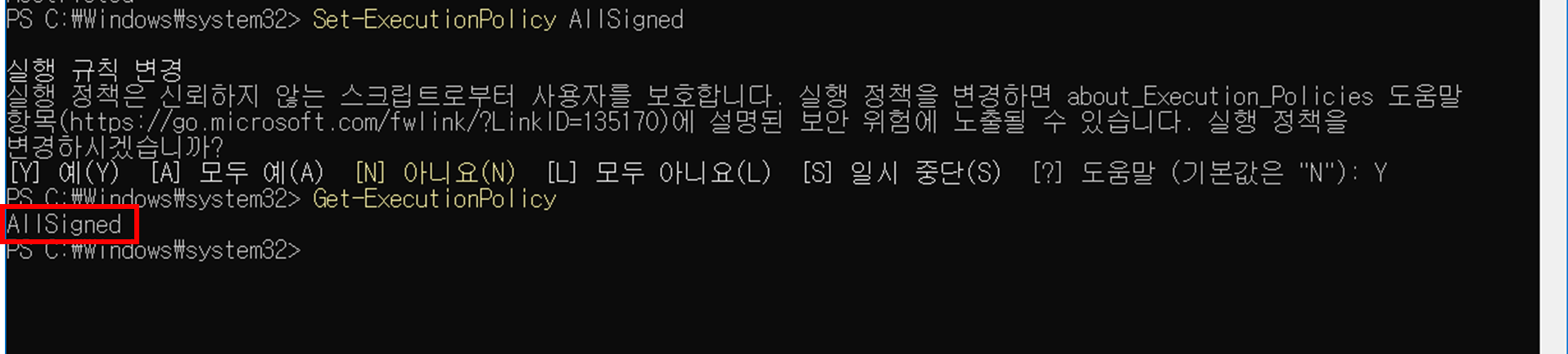
문제없이 보안정책의 설정이 완료되었다면 다음을 입력해서 설치하면 된다.
Set-ExecutionPolicy Bypass -Scope Process -Force; [System.Net.ServicePointManager]::SecurityProtocol = [System.Net.ServicePointManager]::SecurityProtocol -bor 3072; iex ((New-Object System.Net.WebClient).DownloadString('https://community.chocolatey.org/install.ps1'))
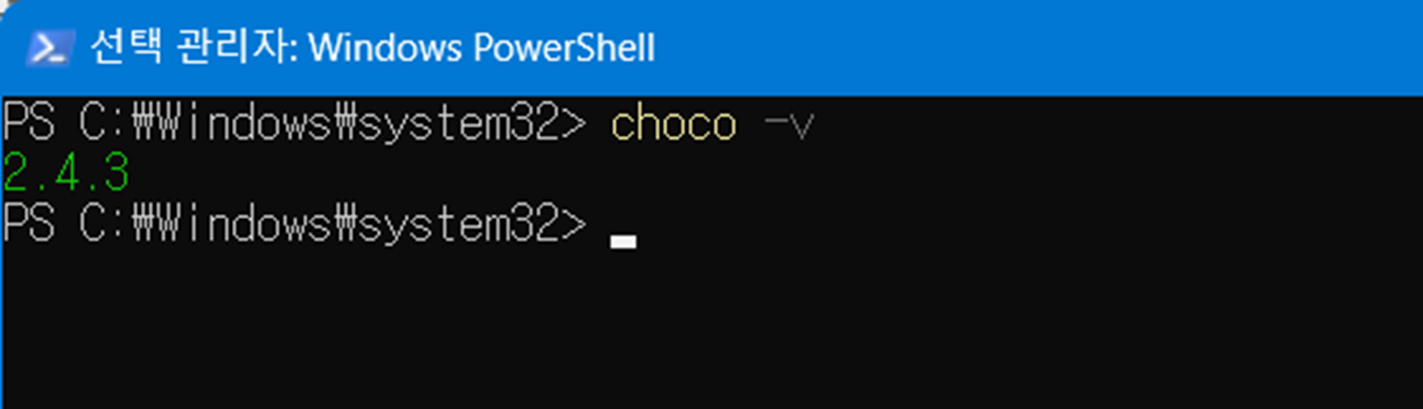
설치가 잘 되었는지 확인하려면 chocolatey의 버전을 확인해보자
'참고용' 카테고리의 다른 글
| RustDesk 중계 서버 구축하기 (3) | 2025.07.12 |
|---|---|
| 파이썬에서 딕셔너리(dict) ↔ JSON 변환하는 코드 (0) | 2025.05.20 |
| Javascript) Math.random()을 통해 1~100까지 랜덤한 정수를 구하는 방식에 대하여 올림과 내림에 관한 고찰 (0) | 2025.05.09 |
| 리눅스 시스템 시간과 실제 시간이 맞지 않는 경우 (0) | 2025.04.22 |
| Windows 환경에서 PuTTY를 이용해 ssh 접속하기 (0) | 2025.04.03 |